

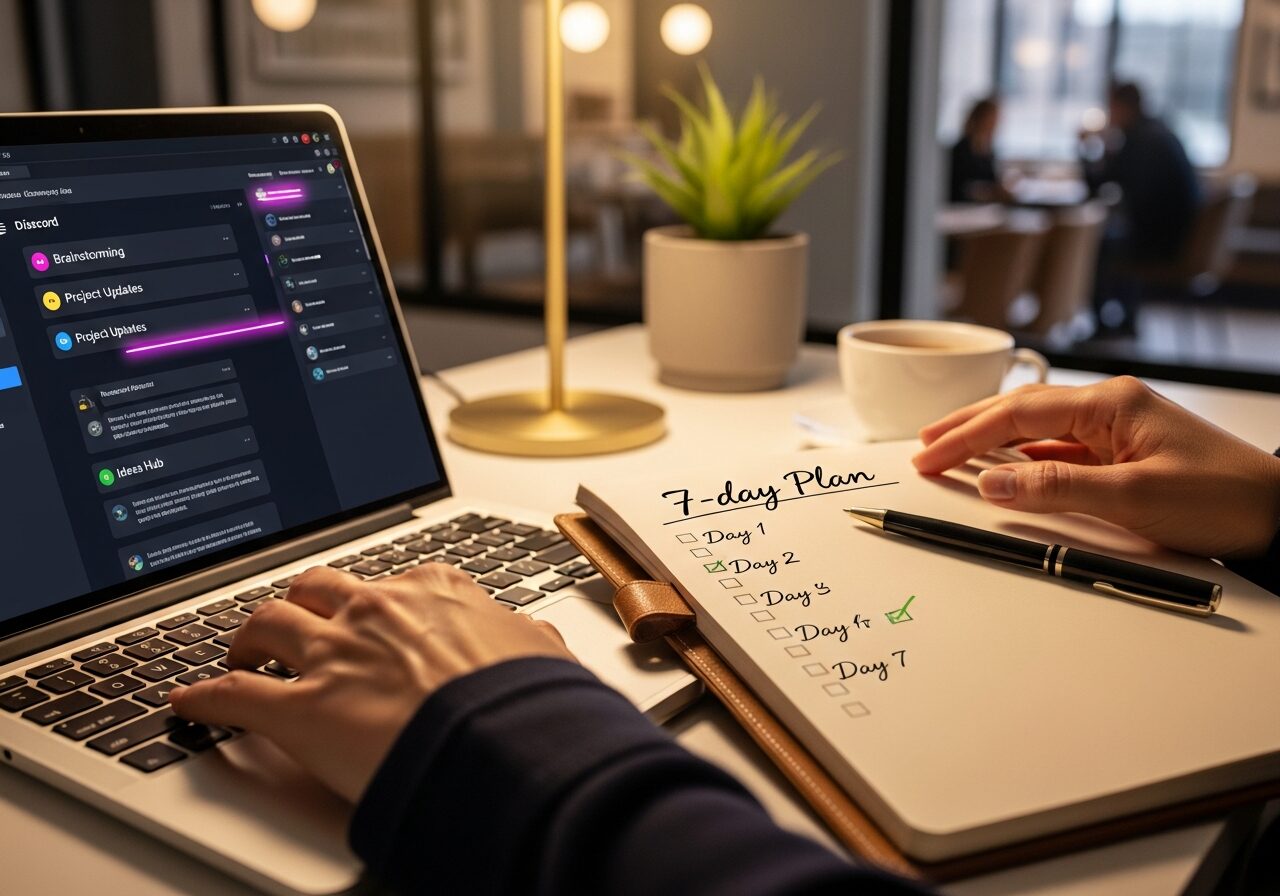
Jumping into a new online community? those first 7 days can make or break your vibe there.
Follow this step-by-step playbook for your first 7 days in a new online community to crush member engagement, dodge newbie traps, and start building real connections fast.
Day 1: What Should You Do First in a New Online Community?
Day 1 is all about nailing the basics in your new online community so you don’t stick out like a sore thumb. Skip this, and you’re risking silent lurks or worse, a quick boot.
Hit these steps right, and you’re signaling you’re here to add value from jump.
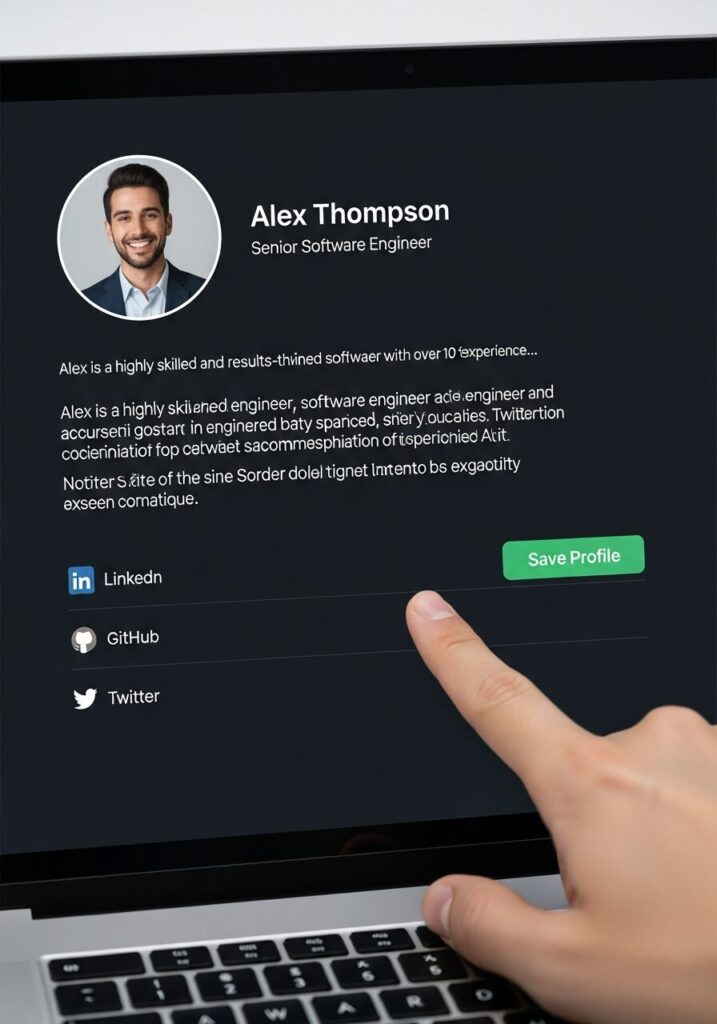
Complete Profile Setup
Set a pro profile photo think clear headshot or branded avatar and craft a bio loaded with niche keywords like “content creator specializing in social media growth.”
This isn’t fluff; community management data shows it boosts initial replies by 40% because folks spot your value instantly. Link your socials or portfolio subtly, and boom, you’re discoverable in a thriving community.
Read Community Guidelines
Head straight to pinned posts or the #rules channel and scan those guidelines. Align your posts to them from the gate industry benchmarks say 80% of new members get sidelined here for dumb slips like spamming links.
Introduce Yourself
Drop a targeted intro in the welcome thread: “Excited to join as a content creator sharing social media tips!” Tag a mod or two they respond 3x faster, pulling you into the community onboarding flow.
Keep it short, genuine, and value-focused to spark replies right away.
| Step | Action | Time Needed | Pro Tip |
|---|---|---|---|
| 1. Profile | Photo + bio with keywords | 5 mins | Add niche like “audience growth expert” |
| 2. Guidelines | Read pinned #rules | 10 mins | Note spam/no-offtopic rules |
| 3. Intro | Post in welcome + tag mod | 3 mins | “Hey, [your role] here to share [expertise]” |
Day 2: How to Observe Community Dynamics Without Posting?
Day 2 in your new online community? Lurk mode activated. Observing community dynamics builds your map of the space, so when you engage, it lands perfectly—no awkward flops.
Lurk in Key Channels
Spend 30-60 minutes scrolling recent posts in #general, #general and niche channels like #content-tips.
Map the norms: how often do questions pop? Emoji overload or chill? This tunes you into community engagement rhythms without a single post.
Note Active Members
Spot 5-10 power users by reaction counts and reply chains. Follow their style—short quips? Deep dives? for authentic member engagement later. These are your future collab targets in a thriving community.
Track Top Conversations
Hit search for recurring themes like “community-led growth” or “engagement strategies.” Note pain points—algorithm woes, tool recs to prep value-packed replies that fit the community purpose.
Day 3: When to Make Your First Meaningful Contribution?

By Day 3, it’s go-time for your first real input in this step-by-step playbook. Time your community management moves to boost engagement strategies without seeming pushy.
Reply to Open Questions
Hunt unanswered queries and hit ’em with concise, data-backed gold: “Per 2025 stats, 70% retention ties to early replies like this.” Keep it helpful, not salesy watch threads light up.
Share Quick Wins
Drop a 1-2 sentence tip from your wheelhouse, like a social media hack, and link your content naturally. No hard promo; just “This boosted my audience growth—thoughts?” Pure value for the group.
Ask Thoughtful Questions
Fire off sparks like “What’s your top challenge with audience growth in online communities?” It pulls folks in, ramps discussions, and positions you as a connector.
Day 4: Build Connections in Your First Week of Community Onboarding
Day 4 ramps up virtual engagement in your first 7 days. Focus on personal ties to solidify your spot during community onboarding.
DM Active Members
Slide into 3-5 DMs of those power users: “Loved your post on X—thoughts on Y?” Active groups see 25% response rates, per CMX report on community-led growth. It’s low-pressure networking gold.
Join Voice Chats
Hop into scheduled AMAs or voice hangs—show face if comfy, mute otherwise. Builds trust faster than text; folks remember voices in branded online communities.
React and Comment Consistently
Hit 10+ comments daily with value adds, chasing 5 reactions each to crack visibility. Consistent? You’re woven in.
Day 5: Leverage Tools for 2025 Community Engagement
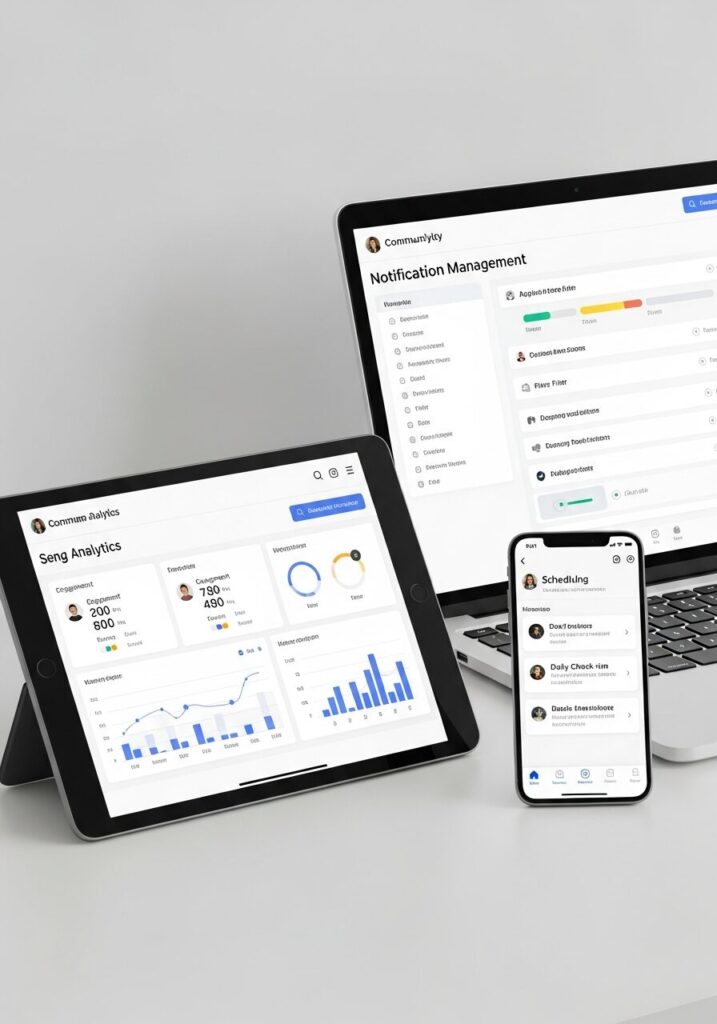
Day 5 levels up your game with tools for community platform mastery. Sustain that first 7 days momentum without burnout.
Use Platform Features
Flip on notifications for mentions and key channels on Discord, Circle, or whatever. Check the best community platforms for 2025 to optimize—custom roles, threads, polls amp everything.
Track Your Activity
No fancy analytics? Log reply rates manually in a note app. Spot patterns like “Questions = 2x replies” to sharpen your community engagement.
Schedule Interactions
Block 15-min daily slots for check-ins. Keeps presence steady, fights FOMO, grows your audience in the space.
Day 6: How Do You Handle Feedback in a New Online Community?
Feedback hits on Day 6? Own it to thrive in community operations. Turn critiques into fuel for deeper member engagement.
Respond Graciously
Public thanks: “Great point—adjusting my approach!” Models positivity, wins respect.
Incorporate Suggestions
Test one tweak, like shorter posts, then loop back: “Tried it engagement up 20%! Thanks.” Sparks ongoing community-led growth chats.
Seek Mentorship
DM mods or vets: “Tips for deeper contributions?” Unlocks insider hacks for your new online community run.
Day 7: Measure Progress in Your First 7 Days Playbook

Wrap Week 1 strong by checking your step-by-step playbook stats. Numbers don’t lie use ’em to plot domination.
Review Metrics
Log connections (aim 20+), replies (50+), invites. Per Community Roundtable 2025 benchmarks, hit 60% retention signals you’re killing it.
Plan Next Week
Set 3 goals: “Host a thread on X.” Grab a weekly engagement checklist to stay sharp.
Reflect on Wins
Journal hits: “Questions drove 60% interactions.” Iterate for sustained community building.
| Metric | Target | Your Score | Notes |
|---|---|---|---|
| Connections Made | 20+ | [Track Here] | DMs + replies count |
| Posts Replied To | 50+ | [Track Here] | Value > volume |
| Invites/Collabs | 2-5 | [Track Here] | Voice chats boost this |
| Reaction Avg | 5/post | [Track Here] | Questions = 🔥 |
Beyond Day 7: Sustain Momentum in 2025 Online Communities
First 7 days down? Keep the fire going with these community launch moves. Turn presence into leadership.
Host Your First Event
Run a poll or Q&A: “Best tool for community launch?” Positions you as the go-to in build online community circles.
Collaborate on Content
Team up with 2-3 members on a thread or guide tag for cross-exposure. Fuels 7 steps community growth hacks.
Advocate for Features
Drop suggestions in feedback channels. Shows you’re invested long-term in the platform.
Frequently Asked Questions
What is an Online Community?
An online community is basically a digital hangout for folks with shared interests—think Discord servers, Facebook Groups, or Circle spaces where everyone chats via posts, voice, events. For content creators, it’s a goldmine: snag networking opps, real-time feedback loops, and straight audience growth.
Why Join a New Online Community?
Simple: tap niche expertise you can’t Google, skyrocket visibility, and fast-track growth. Social media users see 3x follower bumps from cross-promos and shoutouts. The Community Roundtable says communities fuel 52% of B2B leads imagine that for your personal brand.
What Makes a Good Online Community?
A solid one rocks active moderation (quick bans on spam), crystal-clear community purpose, and killer engagement ratios—like 10% of members posting daily. Value-first content rules, with welcome rituals for newbies and replies under 24 hours. Throwing in events or AMAs keeps it buzzing.
How Do You Measure Success in an Online Community?
Track retention (60%+ stick past Week 1), NPS scores (aim 50+), interaction depth (3+ replies per post), and referrals. Use native dashboards on Discord or Google Analytics for personal dashboards. I’ve set up simple sheets logging my replies and connections spots what drives audience growth.
How Do You Set and Enforce Community Guidelines?
As a newbie, stick to ’em like glue—no spam, keep it inclusive, limit off-topic. Suggest tweaks politely after 30 days via feedback threads. Pin ’em visibly for 90% compliance; cover basics like “no self-promo in general” clearly.
