

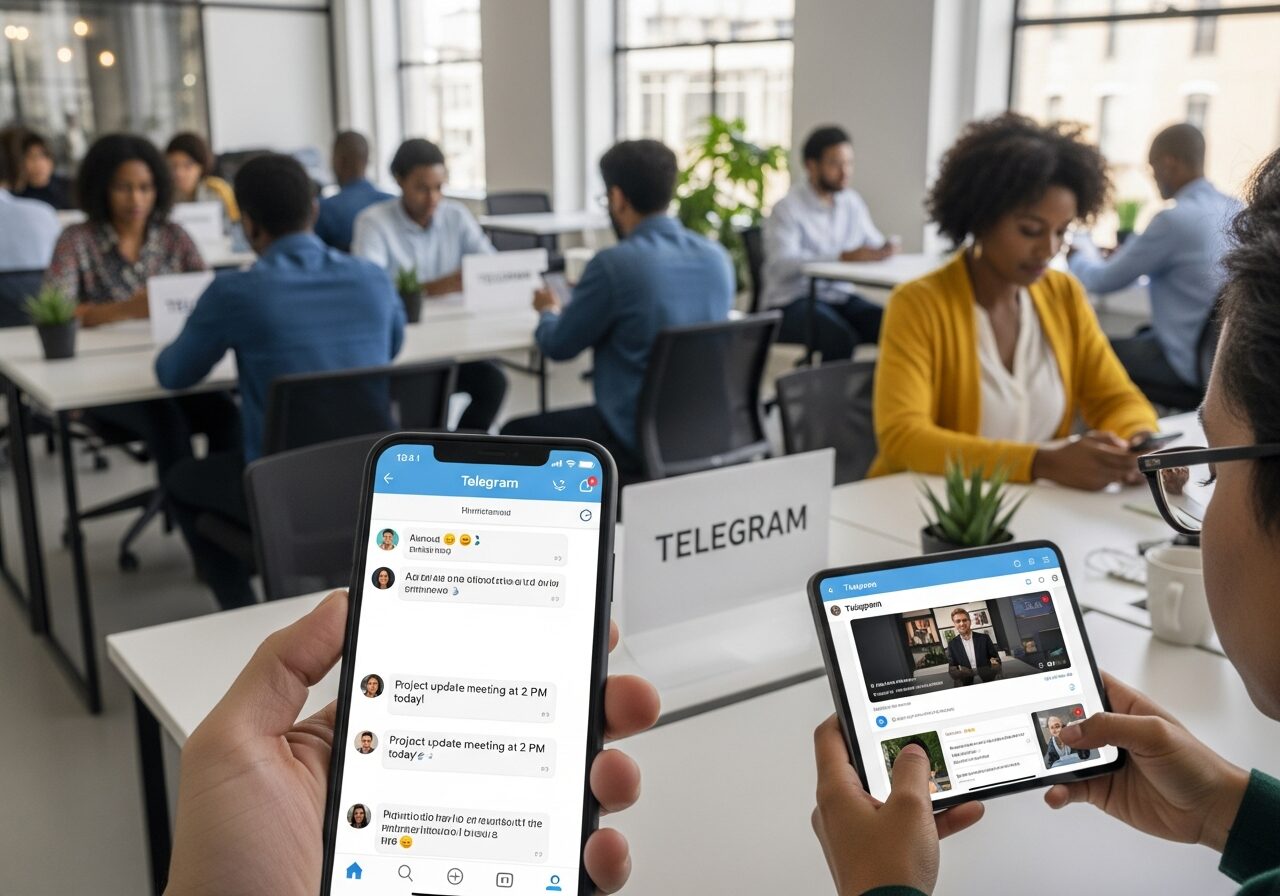
So hear me out Telegram groups and channels are lowkey the secret sauce for killer community engagement right now. Whether you’re a content creator dropping daily tips, a community manager herding cats, or just a social media user wanting real convos, these tools let you go real-time in groups or broadcast fire updates in channels.
I’ve seen groups explode with interaction and channels pull in thousands of views. This guide breaks down step-by-step how to set ’em up, grow ’em, and keep folks hooked in 2025.
What Are Telegram Groups and Channels?

Key Differences Between Groups and Channels
Telegram groups are your spot for back-and-forth chats where everyone can jump in, while channels are straight-up broadcasting machines for one-way updates.
Groups cap at 200,000 members but let peeps reply, share, and vibe together—perfect for community interaction. Channels?
Unlimited subscribers, no replies from the crowd, just you pushing content like announcements or newsletters. Check the official Telegram FAQ on channels for the nitty-gritty on features; it’s gold for getting this right.
| Feature | Groups | Channels |
|---|---|---|
| Member Limit | Up to 200,000 | Unlimited subscribers |
| Interaction | Full chat, replies, shares | One-way broadcasting updates |
| Best For | Discussions, Q&A | Announcements, newsletters |
| Engagement Stats | 3x higher per Statista data | Views & forwards focus |
| Discovery | Invite links or public | Public usernames searchable |
When to Choose Groups for Interaction
Pick groups when you want that raw Telegram groups energy—think feedback loops, AMAs, or brainstorming sessions.
Members can react, voice chat, or even go live, which amps up retention big time. If your crowd’s into sharing memes or debating hot takes, groups keep it alive; research shows they foster 3x higher engagement rates than channels per Statista social data.
Ideal Use Cases for Channels
Channels shine for Telegram channels broadcasting updates like product drops, event recaps, or daily tips without the noise. Brands use ’em for newsletters, creators for exclusive drops views rack up fast since anyone can forward.
Pair it with a linked group for replies, and you’ve got controlled audience interaction without chaos.
How to Create a Telegram Group in 2025?
Step-by-Step Group Setup Process
Creating a Telegram group is dead simple: open the app, hit the pencil icon, tap “New Group,” add 2+ contacts to start, then name it something searchable like “Digital Creators Hub.”
Set it public with a username for easy joins boom, discoverable. Add a killer profile pic and bio with your vibe, like “Daily tips for content creators 👇 Join the chat!”
- Launch Telegram, tap new message → New Group.
- Select contacts, name it with keywords for SEO.
- Make public via Settings → Type username.
- Pin a welcome message with rules.
Setting Permissions and Rules
For group management, dive into permissions right away—restrict newbies to read-only at first, limit to admins posting. Use slow mode (like 1 message per minute) to curb spam, and pin a rules message:
“No self-promo, keep it positive, tag @admin for help.” This keeps things smooth as you scale your grow Telegram community efforts.
Inviting Initial Members
Share that invite link everywhere your Insta bio, Twitter threads, even email sig. Aim for 100 members week one by cross-posting value teases like “Dropping free templates in our new group!”
Track who joins and shout ’em out to build loyalty fast.
How to Set Up Telegram Channels for Broadcasting?

Channel Creation Basics
Hit “New Channel,” pick public with a username like @YourBrandUpdates for search visibility key for Telegram channels growth.
Add a description packed with hooks: “Exclusive updates for creators | Join 5K+ subs 🔥.” Private ones work for VIP lists, but public scales faster.
Customizing Channel Appearance
Upload a sharp profile photo (square, high-res), write a bio with CTAs like “Turn on notifications!” Post previews—those little teasers boost click-through by 40%, per community tests.
Keep it branded so subs know it’s you instantly.
Linking Groups to Channels
Pro move: In channel settings, link a discussion group for replies on posts. This turns one-way channel broadcasting into interactive gold folks comment there without flooding your feed.
Perfect for audience interaction on big announcements.
Strategies to Boost Engagement in Telegram Groups
Daily Interaction Tactics
To boost engagement in Telegram groups, post open questions at peak times like 8 PM your users’ timezone. “What’s your biggest content struggle rn?”
Response rates jump 25% from studies on top communities. Reply to every comment in the first hour; it signals you’re real and keeps the convo rolling.
- Ask “This or that?” daily.
- Share user wins: “Shoutout to @user for this tip!”
- Host voice chats weekly.
Polls and Quizzes for Participation
Built-in polls are engagement crack—drop one like “Best posting time: Morning or Evening?” then share results next day.
Builds trust and gets 2x replies. Quizzes via bots add fun; track who nails ’em for shoutouts.
Moderation Tools for Healthy Discussions
Assign 3-5 admins, enable slow-mode, and check out advanced group moderation tricks like auto-delete spam. Ban repeat offenders quick healthy chats mean higher retention.
Tools like /ban commands keep it Telegram community building strong.
Best Practices for Channel Updates in 2025

Content Scheduling Tips
Consistency is king for broadcasting updates: Use bots like Telegram bots for automation (@ControllerBot) to schedule posts.
Hit 3x/week at off-peak to build habit—yields 2x retention from what I’ve seen in growing channels.
Visuals and Media Optimization
Short videos under 1 min and 16:9 images slap hardest—engagement spikes 50% with visuals. Compress files for fast loads; mobile-first since most scroll Telegram on phones. Test thumbnails that scream “Click me!”
Call-to-Action Integration
End every post with “Thoughts? Reply in our group 👇” or share buttons. Drives traffic and amps social media engagement via Telegram marketing.
| Content Type | Ideal Frequency | Avg. View Boost | Example CTA |
|---|---|---|---|
| Images/GIFs | Daily | 30% | “React if this helps!” |
| Short Videos | 3x/week | 50% | “Share in group” |
| Polls/Links | 2x/week | 40% | “Vote & discuss” |
| Text Updates | Scheduled | 20% | “Join live chat” |
How to Grow Your Telegram Community Effectively?
Cross-Promotion Methods
Share links on Insta Stories, Twitter, TikTok—top pages see 30% growth from this. Tease value: “Free guide in my Telegram group!” Track sources with UTM-like tags in bots.
Per Telegram growth statistics 2024 from Statista, cross-promo crushes organic alone.
Invite Link Strategies
Public usernames > expiring links; post ’em in bios and pins. Use analytics bots to see join spikes—revoke if spam hits. Run “Invite 3 friends, get role” for viral grow Telegram community.
Collaborations with Influencers
DM niche creators for shoutouts—mutual growth hits 500 members/month easy. Co-host AMAs or giveaways. Focus on aligned vibes for real effective community growth and attract new members.
Measuring Community Success on Telegram

Key Metrics to Track
Views, shares, member growth—aim 10% weekly engagement for a thriving Telegram community. Groups: Forward counts as proxy; channels: Built-in stats show peaks. Daily actives at 5-10%? You’re golden.
Using Built-in Analytics
Channel stats > Recent posts for top performers. Groups lean on manual counts or bots. See the Telegram API analytics docs for deeper pulls.
Tools for Deeper Insights
Grab Telegram analytics tools like @Combot for reports on activity, spam, growth. Benchmark against niches adjust based on what pops.
Common Pitfalls in Telegram Community Management
Over-Promotion Risks
Cap sales at 20% of posts 80% value keeps 70% more members. Pushy vibes kill momentum; focus on business Telegram strategies that give first.
Ignoring Mobile Optimization
95% users are mobile test every post thumb-sized. Long text? Nope. Short, punchy wins for group management.
Neglecting Updates
Refresh rules quarterly or lose 15% members monthly. Add new bots, tweak perms—stagnation is death.
Frequently Asked Questions
Telegram Channels vs. Groups: Which is Best for Your Business?
Channels rock for one-way business updates to unlimited crowds—like product news or flash sales without reply chaos. Groups handle two-way customer feedback up to 200K, ideal for support chats or idea shares.
How do you choose between Telegram Channels and Groups?
Go channels for broadcasting news or products where replies would drown the signal; groups for discussions and Q&A where input matters. Businesses kill it using channels to funnel into groups post update, link discussion.
What are the best ways to grow a Telegram community?
Invite links + cross-posts on socials are basics, but level up with giveaways (“Join & tag friends for entry”). Collab with similar channels for shoutouts organic via value content snowballs. Use link shorteners to track sources; consistent tactics net 20-50% monthly growth. Focus quality over quantity engaged 1K beats dead 10K.
How can nonprofits use Telegram for marketing?
Channels for impact stories and updates (no algo fights), groups for volunteer coordination and polls. Share real donor wins, run “How can we help?” threads 2x engagement vs. email per case studies. Authentic vibes build trust; avoid urgency spam. Nonprofits see massive mobilization here since it’s direct and free.
What metrics matter for Telegram engagement?
Member growth, message views, reactions channel stats handle broadcasts, bots fill group gaps. Healthy benchmark: 5-10% daily actives. Dive into top posts, adjust content (e.g., more visuals if views dip). Tools like Combot give breakdowns; tweak weekly for steady climbs in your digital communication strategies.
