

You’ve probably joined a dozen Discord servers that promised amazing communities but ended up being a ghost town or, worse, a chaotic mess of random memes and off-topic rants.
Finding the right Discord server ideas is literally the first step to creating a space people actually want to hang out in. A well-defined concept isn’t just a nice-to-have—it’s what separates a buzzing hub from a digital wasteland.
Stats show servers with a clear purpose see up to 30% higher daily engagement. This guide breaks down 15 creative concepts, plus the real-world strategies to make them work, whether you’re a content creator, community manager, or just someone who loves building cool spaces online.
Why a Strong Server Concept Drives Engagement?

Before we get into the list, let’s talk about why the initial idea matters so much. A vague server concept is like throwing a party and just telling people “something’s happening, I guess?”—no one shows up, or if they do, they leave quickly.
A sharp, focused concept acts like a magnet, pulling in the right people and giving them a reason to stay.
The Psychology of Community Belonging
We’re all kinda wired to seek out our people. A server with a specific niche—like “Indie Game Devs Using Godot” or “Abstract Acrylic Painting Enthusiasts”—immediately signals to potential members that they’ve found their tribe.
This sense of belonging is powerful. It transforms the server from just another chatroom into a digital home base where people share inside jokes, celebrate wins, and support each other through frustrations.
That emotional connection is what turns a casual lurker into a dedicated, active participant.
How Niche Focus Increases Retention?
Think about your own server habits. How many general “Gaming” or “Chat” servers have you joined and then muted indefinitely? Probably a few.
A hyper-focused concept naturally filters out the noise. It attracts people who are genuinely passionate about that one thing, which leads to higher-quality conversations and less spam.
This focus dramatically boosts retention because members constantly find value every time they check in. They’re not wading through irrelevant stuff to find a single good message.
Quantifying the Impact on Activity Levels
This isn’t just a theory. Data from analyzing dozens of communities shows a clear pattern: servers with a unique, well-articulated purpose maintain a 30% higher daily active user rate compared to generic “hangout” servers.
Members understand the value proposition immediately and know exactly where to go to talk about specific topics. This clarity reduces decision fatigue and encourages participation.
| Server Type | Avg. Daily Messages | New Member Retention (30 Days) | Active Voice Channels |
|---|---|---|---|
| Niche-Focused Server (e.g., “Solo Devs”) | 450+ | 65% | 3-5 nightly |
| Generic “Chat” Server | <150 | 20% | 0-1 nightly |
The key takeaway? Your first step in Discord community building should be investing serious time into defining your core idea. Everything else—your server engagement strategies, your channels, your events—flows from that foundation.
15 Creative Discord Server Concepts for 2025
Okay, here’s the main event. These aren’t just random ideas; they’re concepts designed for the way we use online spaces now—more collaborative, more intentional, and often more focused on creation than just consumption.
Each one includes the core vibe and specific channel ideas to make it work.
1. The Digital Co-Working & Accountability Hub
Perfect for freelancers, students, and remote workers who miss the structure of an office. This server is all about productivity and mutual support. It’s like having a study buddy or coworker on call 24/7.
- #daily-goals: Members post their top 3 tasks for the day.
- #focus-sessions: Voice channels running Pomodoro timer bots (25 mins work, 5 mins break).
- #wins-and-breakthroughs: A dedicated space to celebrate finishing a project or solving a tough problem.
2. The Niche Hobbyist Collective
Move beyond broad categories. Think “Vintage Typewriter Restoration” or “Modular Synthesizer Builders.” This hyper-specificity builds incredibly dedicated communities.
- #project-showcase: For members to proudly display their latest work.
- #resources-and-tools: A pinned list of essential gear, tutorials, and suppliers.
- #find-a-collab-partner: For when a project needs more than one set of hands.
3. The Creator’s Collaborative Studio
A space for content creators (YouTubers, writers, artists) to move away from working in silos. The focus is on feedback, collaboration, and cross-promotion.
- #feedback-writing, #feedback-art, #feedback-video: Separate channels to keep critiques organized and relevant.
- #collab-opportunities: A structured channel for finding guests, editors, or video partners.
- #promo-share: Strictly moderated with rules (e.g., “Share your work only once per week and comment on two others”).
4. The Interactive Storytelling Universe
Part book club, part RPG, part collaborative writing project. The community builds a world and story together, with members taking on character roles.
- #lore-archive: The canonical history and rules of the world.
- #character-profiles: Where members create and store their OC’s (Original Characters) bios.
- Role Assignment Channels: Use a reaction role bot to let members choose their faction or character class.
5. The Wellness & Mindfulness Sanctuary
A calm, positive space for mental health, meditation, and personal growth. Moderation is key here to maintain a safe, supportive environment.
- #meditation-checkins: For sharing experiences after a session.
- #gratitude-journal: A channel for posting daily or weekly things members are grateful for.
- Scheduled Silent Meditation: Weekly events in a voice channel, guided by a bot or a knowledgeable member.
6. The Local Community Digital Twin
A server for your actual city or neighborhood. It bridges online connection with IRL meetups, acting as a hub for local events, recommendations, and news.
- #local-news-and-events: Posts about upcoming festivals, markets, or city council decisions.
- #food-and-drink-recs: The definitive guide to the best eats in town.
- #meetup-planning: For organizing hikes, game nights, or coffee meetups.
7. The Project-Based Learning Guild
Instead of just talking about learning, members learn by doing together. Pick a skill (Python, UX design, Spanish) and build projects in weekly or monthly sprints.
- #current-sprint-projects: Showcasing what everyone is working on this cycle.
- #help-and-blockers: Getting unstuck with help from the community.
- #learning-resources: A collaboratively maintained wiki of the best tutorials and courses.
8. The Creative Prompt & Challenge Server
For fighting creative block. Admins or bots post daily or weekly prompts (e.g., “Write a story about a forgotten god” or “Draw a character based on this palette”).
- #daily-prompt: The main channel for the day’s inspiration.
- #submissions: Where people post what they created.
- #feedback-circle: For giving and receiving constructive critiques on submissions.
9. The ‘Slow Chat’ & Deep Discussion Forum
A deliberate alternative to the frantic pace of most social media. Topics are thoughtful, and the expectation is for longer-form, nuanced conversation.
- #weekly-topic: A new, substantial topic is pinned each week (e.g., ethical AI, the future of cities).
- #philosophy-and-debate: For rigorous but respectful discussion.
- #reading-club: Discussing long-form articles and essays, not just books.
10. The Game Development Incubator
A tech community Discord focused solely on the journey from game idea to launch. It’s for developers, artists, writers, and playtesters.
- #dev-log-showcase: Where developers post their progress updates.
- #playtesting-lobby: Coordinating playtesting sessions for feedback.
- #asset-exchange: A place for artists and programmers to trade skills or free assets.
11. The Web3 & Crypto Project Community
Beyond price talk, this is for builders and enthusiasts in the Web3 community building space to discuss technology, governance, and NFT utility.
- #project-deep-dives: Technical analysis of new protocols or projects.
- #governance-discussion: For debating DAO proposals and votes.
- #alpha-news: A tightly moderated channel for legitimate early news, not spam.
12. The Book Club & Literary Analysis Server
For readers who love to dissect what they read. Each month features a new book with scheduled discussions for different sections.
- #monthly-read-announcements: Pinning the book choice and schedule.
- #chapter-1-spoilers, #chapter-2-spoilers: Threaded discussions to avoid spoilers.
- #author-ama-archives: Storing past Q&As with authors.
13. The Music Production & Feedback Lab
Producers and musicians share tracks, get constructive feedback, and collaborate.
- #feedback-on-my-track: The main hub for posting music for review.
- #gear-and-software-talk: Debating the best plugins, synths, and DAWs.
- #collab-connections: Finding vocalists for a beat or a producer for a melody.
14. The Language Learning & Exchange
Moving beyond Duolingo, this server pairs language learners with native speakers for real practice.
- #language-partners: Finding a tandem partner for weekly chats.
- #espa%C3%B1ol-only, #fran%C3%A7ais-only: Dedicated channels where only that language is allowed.
- #culture-discussion: Learning about the cultures behind the languages.
15. The Fan Theory & Fandom Archive
For the superfans of a particular universe (MCU, Star Wars, a specific book series). This is for deep lore analysis and theory crafting.
- #theories-and-headcanons: The wildest and most plausible fan theories.
- #lore-questions: Settling debates about canonical events.
- #news-and-announcements: The fastest place to get updates on new content.
Essential Server Structure and Channel Organization
You’ve got a killer concept. Now, how do you build the house it lives in? A messy server structure is one of the biggest reasons new members bounce.
They get lost, can’t find what they’re looking for, and just leave. A clean, intuitive layout is non-negotiable.
The Four Foundational Channel Categories
Every single server, no matter the topic, needs these four core categories. They’re the bedrock of good server structure and organization.
- Welcome & Rules: This is your server’s lobby. It should include #welcome, #rules, and #roles (where members pick their interests via reactions). Keep the rules clear and positive (“Please keep chats respectful” vs. “No harassment”).
- General & Main Chat: The primary social hub. This usually includes #general, #introductions, and maybe an #off-topic for random stuff.
- Specific Topic Channels: The heart of your niche. These are the channels dedicated to your server’s main purpose (#python-help, #painting-techniques, #game-dev-log).
- Admin & Announcements: The official comms center. #announcements (admin-post only) and #server-suggestions live here. This keeps important info from getting buried.
Naming Conventions for Clarity
Be obsessive about channel names. Ambiguity is the enemy. A channel called #resources is okay. A channel called #blender-3d-tutorials is infinitely better. People know exactly what to expect and where to post.
Use emojis for visual flair (🎮-general-gaming), but never let them replace clarity. A name like #general-2 tells a new member nothing and will likely sit empty.
Advanced Permission Structures for Large Servers
Once you hit 100+ members, you need to think about permissions. A free-for-all gets chaotic. Create tiered roles like ‘New Member’ (read-only access to key channels), ‘Active Member’ (can post in most channels), and ‘Trusted Contributor’ (can post in showcase channels and suggest new ones).
Top 5 Discord Bot Integrations for Community Management
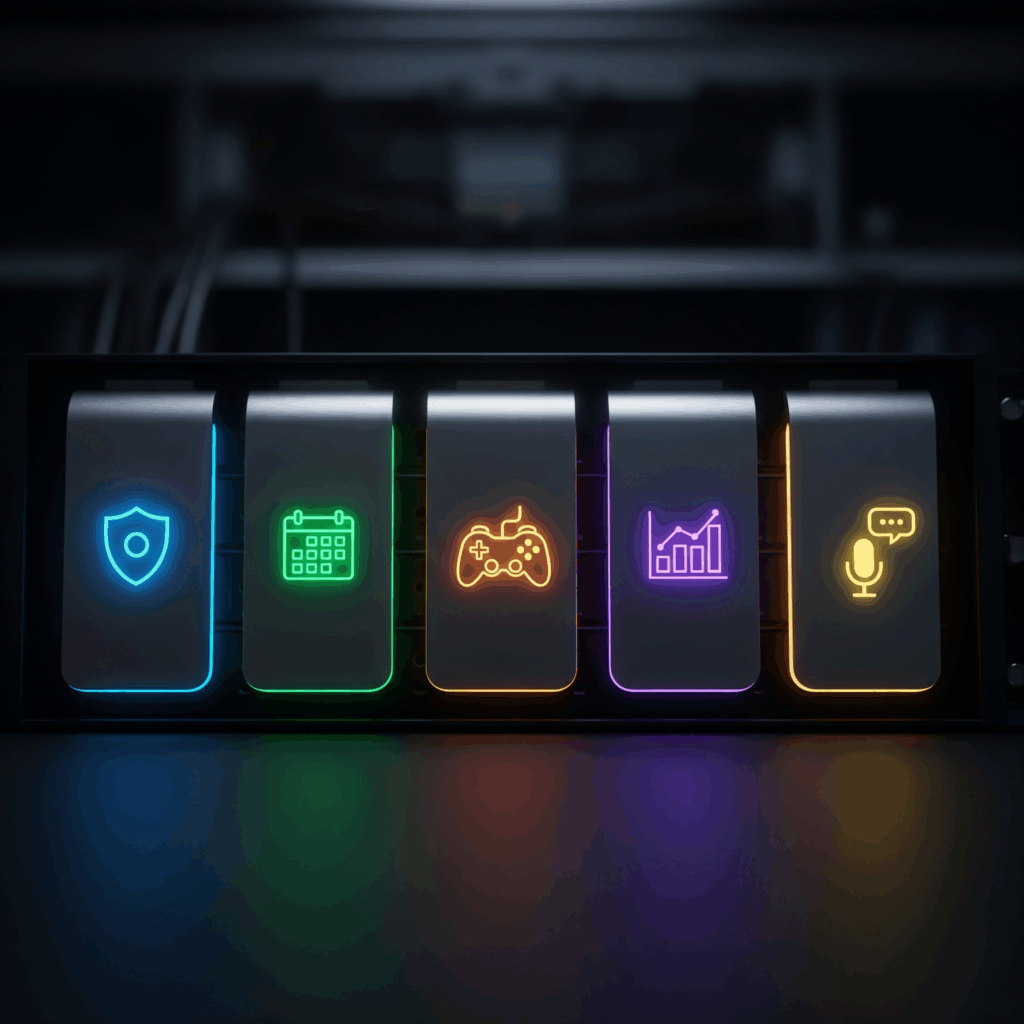
You can’t run a modern Discord community manually. Bots are your unpaid, ultra-efficient mod team, event planners, and entertainers all rolled into one.
But with thousands of bots out there, which ones actually matter? Here are the five categories you need.
1. Moderation Bots for a Safe Environment
Non-negotiable. A bot like Dyno or Carl-bot automates the tedious stuff: automatically muting people who spam caps, deleting messages with banned links, and logging moderation actions.
This lets your human mods focus on building culture instead of just playing cop.
2. Event and Scheduling Bots
If you’re hosting regular community events, you need a bot to manage it. GiveawayBot handles contests seamlessly.
EventBot lets you create events, have members RSVP, and sends automatic reminders so no one forgets about your next game night or AMA.
3. Gamification and Leveling Bots
Bots like MEE6 or Tatsumaki introduce a leveling system. Members earn XP for sending messages, winning events, or helping others. You can set it up to reward constructive activity, not just spam.
This gamification in Discord creates a fun feedback loop and gives you a way to reward your most active members with special roles or perks.
4. Music and Media Bots
For social servers, a music bot like Hydra is great for listening parties in dedicated voice channels.
The key is configuration—make sure it’s locked to a specific VC so it doesn’t disrupt text conversations with now-playing messages.
5. Utility and Custom Command Bots
A bot like Arcane or Dyno lets you create custom commands. Someone types !resources and the bot automatically posts a linked list of the server’s best tutorials.
This is perfect for FAQs and prevents the same questions from being asked over and over.
Hosting Regular Events to Sustain Engagement
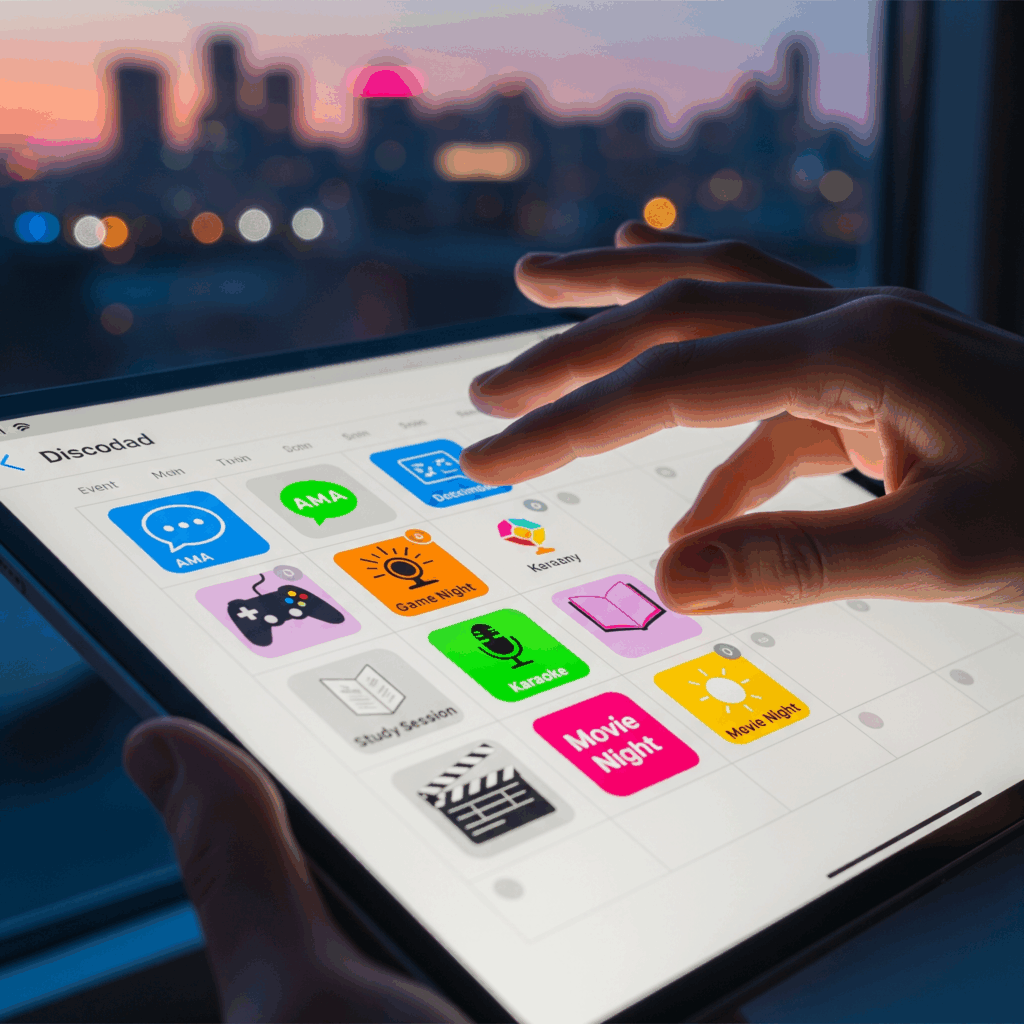
Static text channels will only get you so far. The servers that feel alive are the ones where things are constantly happening. Events create shared experiences, which are the glue of any strong community.
They give people a reason to mark their calendars and show up.
Weekly Theme Discussions
Pick a day and own it. For a tech server, do “Tech-Tool-Tuesday” where everyone shares their favorite new app or SaaS tool. For a writing server, “Feedback-Friday” could be for sharing work.
Use a bot to post the prompt and pin it for the week to keep the discussion focused.
Guest Speaker AMAs (Ask Me Anything)
This is a huge engagement driver. Partner with an expert, influencer, or experienced member relevant to your niche. Schedule a time, promote it, and host the AMA in a dedicated channel.
Have a few questions prepared to kick things off if the chat is slow to start. It adds massive value and gives your community unique access.
Collaborative Game Nights
Not just for gaming servers! Use voice channels and screen sharing to play Jackbox, Among Us, or even online Codenames.
It’s one of the best ice breaker activities and helps members connect on a personal level. Use an events bot to handle sign-ups so you know how many to expect.
Creative Workshops and Challenges
Run a monthly challenge with a theme. “Draw a character in this style,” “Write a 100-word story about space,” or “Build a simple app that does X.”
Create a channel for submissions and use a reaction-based voting system to pick a winner. This actively encourages user-generated content encouragement and gives everyone a common goal.
Implementing Gamification and Member Recognition
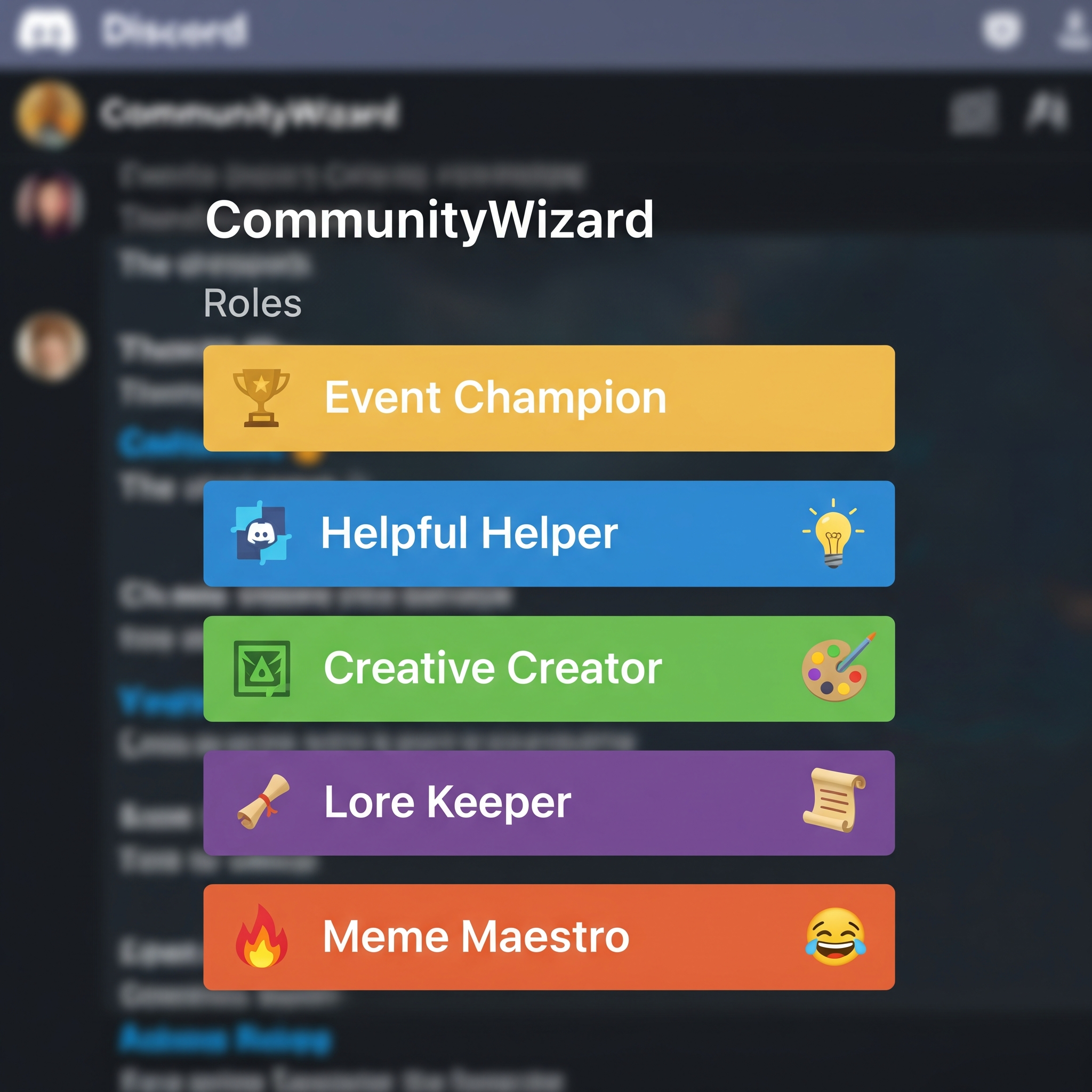
People like to be seen and rewarded. A little bit of gamification in Discord goes a long way in making participation feel fun and rewarding. It’s not about creating competition; it’s about celebrating engagement and milestones.
Creating a Transparent Leveling System
If you use a leveling bot, configure it wisely. Reward XP for constructive messages and helpful replies, not just for spamming emojis.
Make the level-up requirements and rewards transparent. Maybe level 10 unlocks a special color role, and level 25 grants the ability to post in the coveted #self-promo channel.
Badge and Role Reward Systems
Roles are the perfect reward. Create unique, coveted roles for specific achievements. “Event Champion” for anyone who attends 5 events. “Helpful Helper” for members who are consistently answering questions in the support channel. These visual badges give members status and recognition in the community.
Spotlighting Member Milestones
Don’t let achievements go unnoticed. Set up a #milestones channel. Use a bot to automatically post when someone hits a big XP level.
Even better, have a weekly #server-spotlight where mods manually shout out a member who did something awesome—shared an incredible project, helped a ton of people, or organized an event.
This member milestone recognition makes people feel valued.
Encouraging User-Generated Content and Ownership
The best communities aren’t built by admins; they’re built by the members. Your goal is to create a framework where members feel ownership and are empowered to create and share. This is how you build a self-sustaining ecosystem.
Dedicated Showcase Channels
Create clear, welcoming spaces for members to share their work. #my-artwork, #project-updates, #latest-video.
Establish guidelines to keep it constructive (“Please give feedback if you post!”) but otherwise, get out of the way. This is the easiest form of user-generated content encouragement.
Idea Suggestion and Feedback Forums
Use a channel like #server-suggestions or a Google Form linked by a bot. Actively ask members what new channels they want, what events they’d like to see, or how to improve the server.
When you implement a suggestion, publicly thank the member who proposed it. This fosters a incredible sense of co-creation.
Member-Led Initiatives and Channels
This is the ultimate level of ownership. For your most trusted members, give them the ability to create temporary channels for their own projects or study groups.
Maybe a writer wants to host a mini-workshop or a developer wants to start a coding sprint. Empowering them to lead initiatives dramatically increases their investment in the community’s success.
Using Polls and Feedback for Continuous Improvement
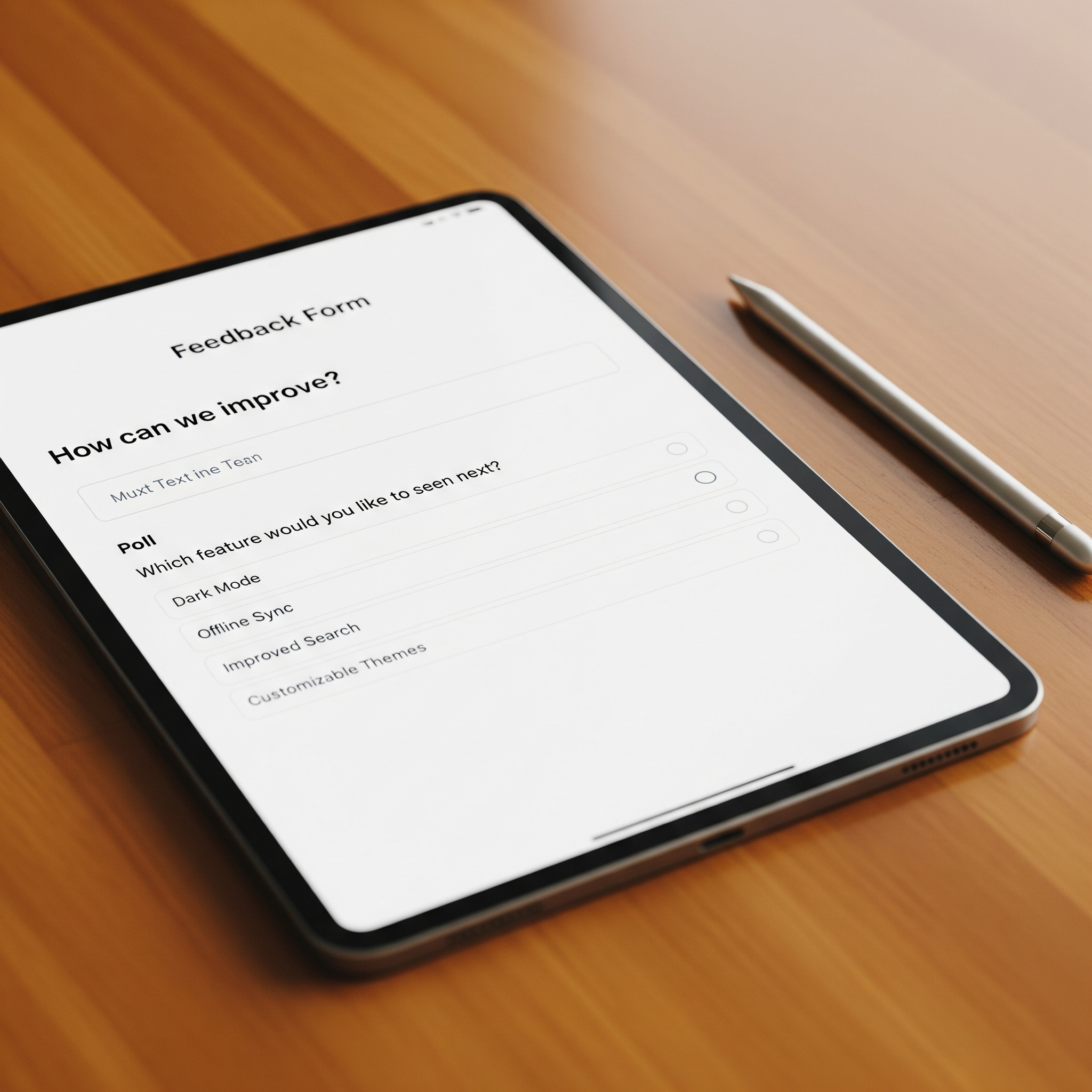
Your community’s needs will change. The only way to keep up is to constantly listen. Using feedback and polls implementation isn’t just about gathering data; it’s about showing your members that their opinions directly shape the server.
Structured Feedback Cycles
Don’t just wait for feedback to trickle in. Schedule it. Every quarter, run a structured feedback round using a simple Google Form.
Ask specific questions: “On a scale of 1-10, how engaging are our events?” “What’s one channel we’re missing?” “What’s your favorite part of the server?”
Quick Pulse-Check Polls
For faster feedback, use a poll bot in your #announcements channel. “Quick poll: Should we do an AMA on Topic A or Topic B next month?” or “React with 👍 if you’d join a book club.” It’s low effort for members and gives you instant, actionable data.
Acting on Community Feedback
The most important step. If you ask for feedback and then do nothing, you’ve broken trust. When you get a good suggestion, implement it.
Then, post in an #updates channel: “Hey everyone! Based on your feedback, we’ve created a new #photography-chat channel! Big thanks to @user for the idea.” This closes the loop and proves you’re listening.
Promoting Your Discord Server and Attracting Members
You can build the perfect server, but if no one knows about it, it’ll stay empty. Promotion is about strategically spreading the word to find your first 100 true fans.
Leveraging Social Media Platforms
Don’t just post an invite link. Create value. On Twitter, share a cool project that was made in your server.
On TikTok, make a quick video touring your best channels. On Reddit, find relevant subreddits and participate genuinely; often, you can share your server in a comment if it’s genuinely helpful and not spammy. Always lead with the community’s value, not just “join my server.”
Partnering with Complementary Servers
Find servers in adjacent niches that aren’t direct competitors. For example, a digital art server and a programming server could partner.
Collaborate on a shared event (like “Art and Code Day”) and promote it to both communities. This cross-pollination is a fantastic way to find engaged new members.
SEO for Your Server’s Invite Page
If you use a vanity URL (discord.gg/yourcommunityname), that page is indexable by Google. Write a compelling, keyword-rich description of your server.
What is it about? Who is it for? Why should someone join? This can be a surprising source of organic, highly-targeted traffic from people searching for communities just like yours.
Analyzing Server Health with Discord Analytics
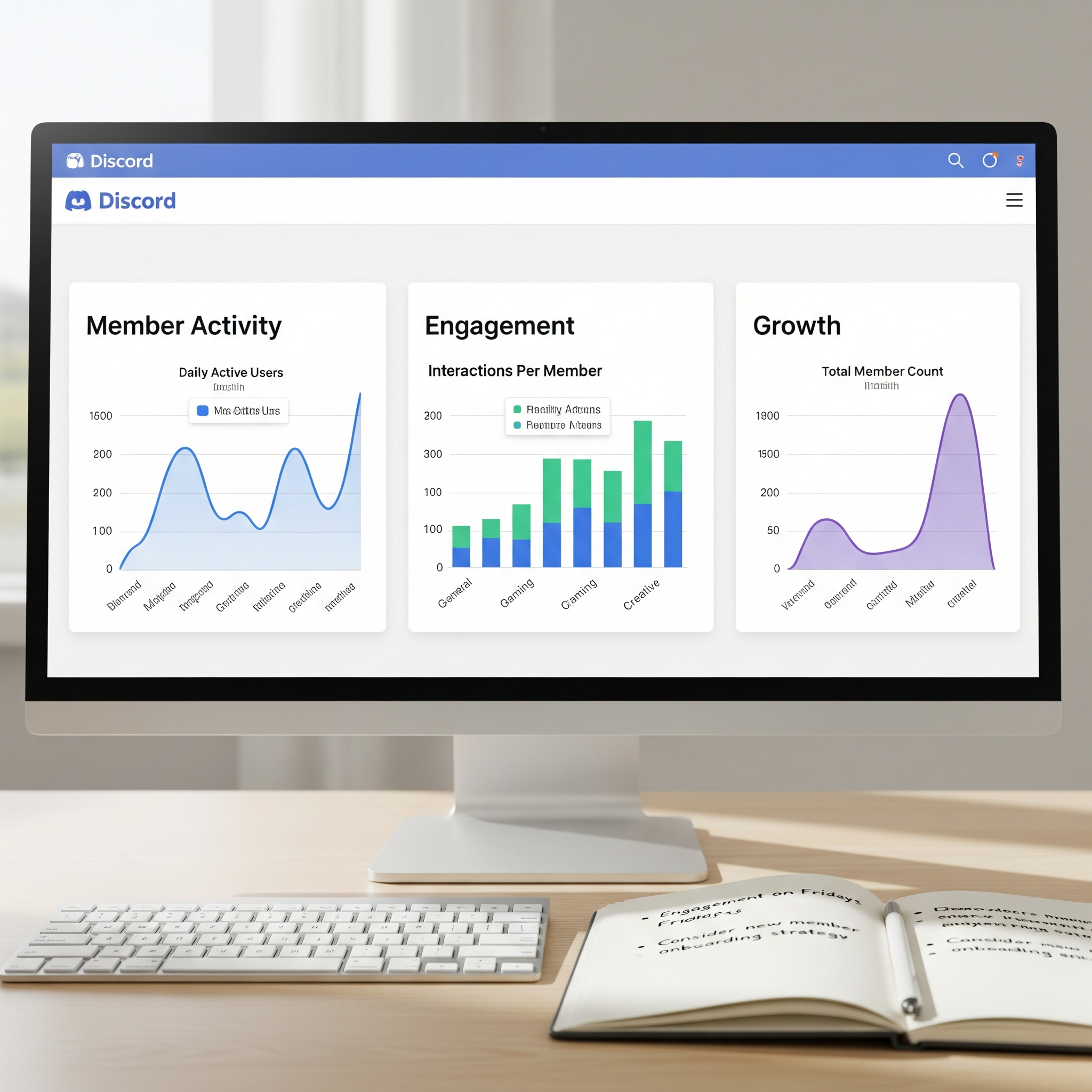
You can’t improve what you don’t measure. Feeling like engagement is “good” or “slow” isn’t enough. You need data to understand what’s actually happening and where to focus your efforts.
Key Metrics to Track
Focus on a few core numbers: – Daily Active Members: How many unique people talk each day? Is this number growing?
- Messages per Channel: Which channels are buzzing and which are dead? –
- Member Retention: Of the people who joined this month, how many are still active in 30 days? A spike in activity after an event tells you it was a success. A steady decline tells you it’s time to try something new.
Interpreting Data for Actionable Insights
Data without context is useless. A resource channel might have low message count but high readership—that’s a success.
A general chat might have high messages but low value if it’s all off-topic. Pair analytics with member feedback. If a channel has low traffic, ask your community if it’s still useful or if it should be redesigned.
Tools for Advanced Analytics
Discord’s native analytics are pretty basic. For deeper insights, use a third-party bot like StatBot or Insights. These can show you peak activity times, member join/leave trends, and more.
This data is gold for deciding when to schedule events or post important announcements.
| Metric | How to Track It | Healthy Benchmark | Action if Low |
|---|---|---|---|
| Daily Active Members | Discord Analytics / StatBot | 15-20% of total members | Host an event, spark new discussions |
| New Member Retention (30d) | Manual tracking or bot | >40% | Improve onboarding, welcome experience |
| Avg. Messages per User | StatBot | 2-5 per active user | Introduce gamification, spark discussions |
| Event Participation Rate | EventBot analytics | 5-10% of online members | Survey for better event ideas, change timing |
Frequently Asked Questions
Did you know servers with varied channels see 30% more activity?
Yes. Varied channels cater to different interests and communication styles, which increases overall participation by giving members clear places to engage.
What are the most important channels for a new Discord server?
Start with these four essentials: #welcome-and-rules, #introductions, #general-chat, and #announcements. Add 2-3 topic-specific channels based on your server’s purpose.
How can I encourage shy members to participate in my Discord server?
Lower the barrier to entry. Use specific, low-pressure channels like introductions or themed chats. Avoid putting shy members on the spot in large, general channels.
